How AI Medical Scribes Work Inside Your EHR (Step-by-Step Workflow)

Physicians today spend nearly two hours on administrative tasks for every hour of direct patient care. Much of that burden falls on documentation navigating complex EMR systems, entering structured notes, and updating records long after the patient has left the room. The result is physician burnout, reduced face time with patients, and inconsistent chart quality.
A virtual medical scribe offers a practical, scalable way to address this. By offloading real-time documentation to a trained remote professional, clinicians can stay focused on the patient in front of them. This guide walks through exactly how virtual scribes work and how to implement one in your practice without the hype, and with a clear-eyed view of what to expect.
What Is a
Virtual Medical Scribe?
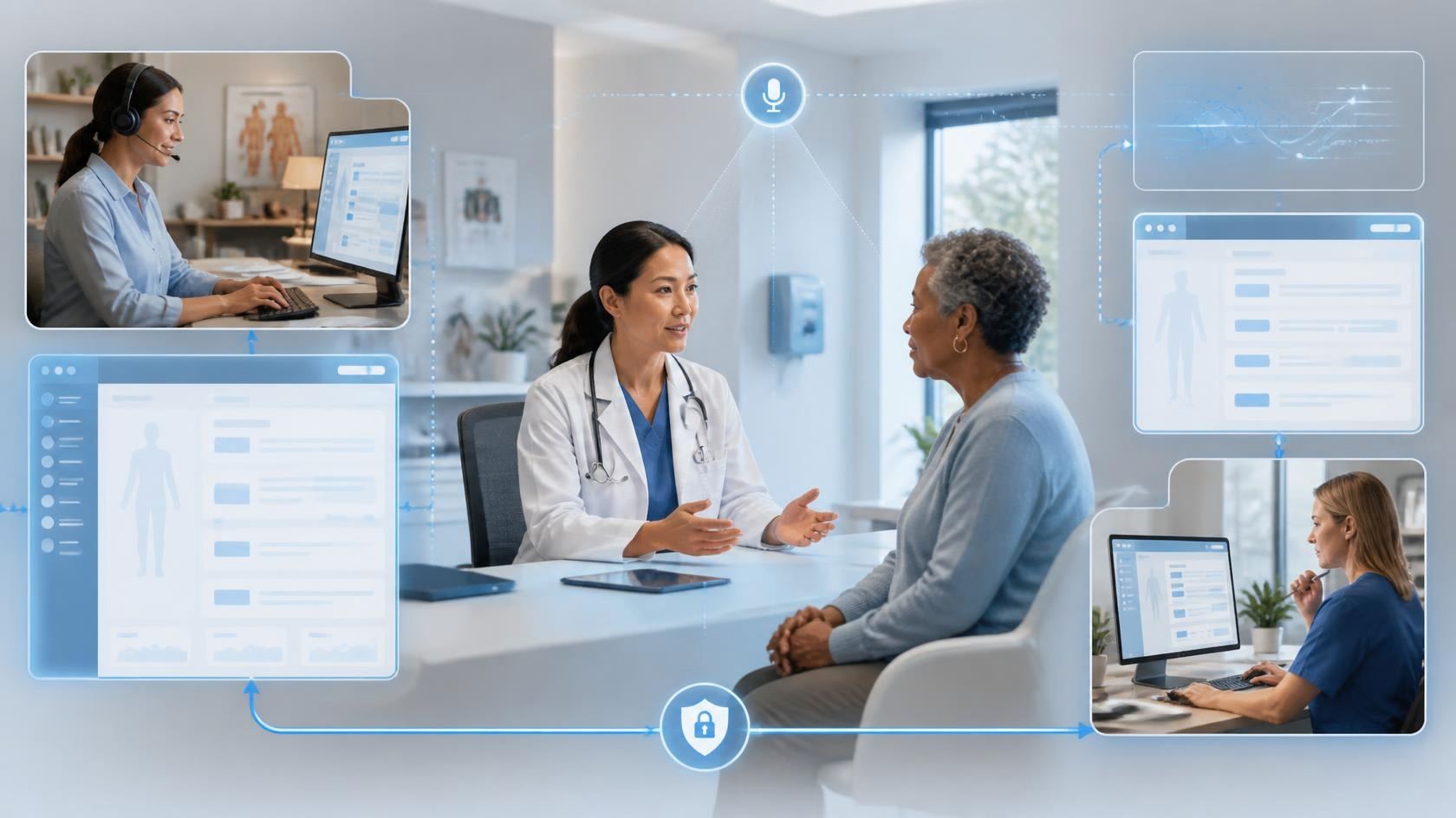
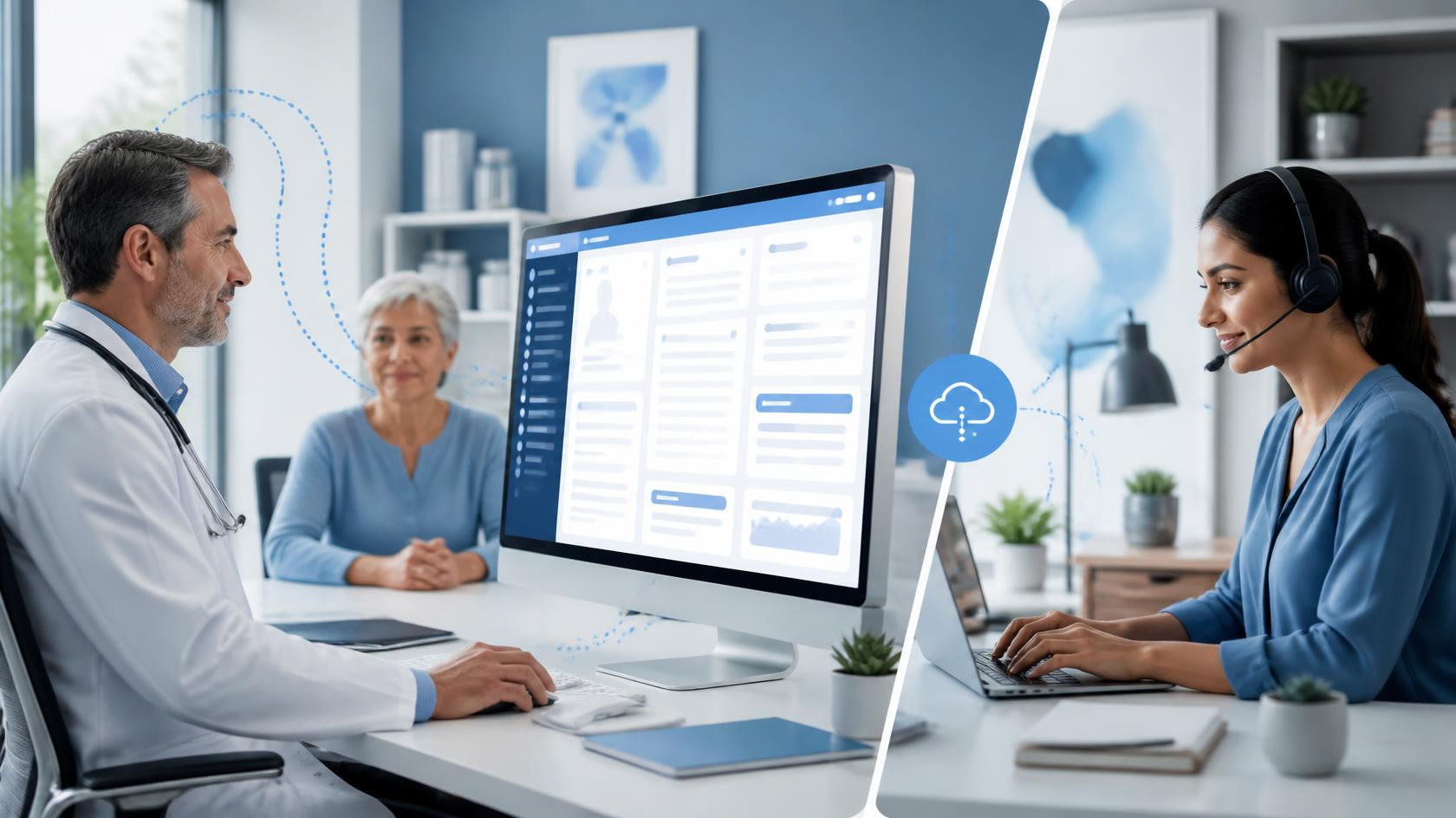
A virtual medical scribe is a trained documentation specialist who works remotely, listening to patient encounters in real time and entering clinical notes directly into your EMR system. Unlike an in-house scribe who is physically present in the exam room, a virtual scribe operates via a secure audio or video connection, typically accessing the EMR through a HIPAA-compliant remote desktop setup.
This is also different from AI-only transcription tools, which convert speech to text but lack the clinical reasoning to structure a proper SOAP note, assign appropriate codes, or flag documentation gaps. Virtual scribes are people trained in medical terminology, clinical workflows, and specialty-specific documentation standards. For practices wanting to understand the full picture before deciding, resources like Virtual Medical Scribes: Everything You Need to Know offer a thorough breakdown of how these services compare across different care settings.
How a Virtual Medical Scribe Works: The Real Workflow
Pre-Visit Setup and Context Alignment
Before the patient encounter begins, the scribe reviews the schedule, patient history (if accessible), and visit type. This allows them to anticipate documentation needs rather than reacting in real time.
In most setups, the scribe connects through a secure audio or video channel and logs into the EMR system ahead of the appointment. This preparation step reduces delays once the visit starts.
Live Encounter Documentation
During the consultation, the scribe documents the visit in real time inside the EMR system. This includes:
- Capturing patient history and symptoms
- Structuring findings into the required format
- Updating relevant sections without interrupting the physician’s flow
Unlike basic transcription tools, the scribe organizes information contextually, ensuring the note is usable rather than just recorded.
Communication during this phase is minimal but purposeful. Some physicians use quick cues or messaging tools if clarification is needed
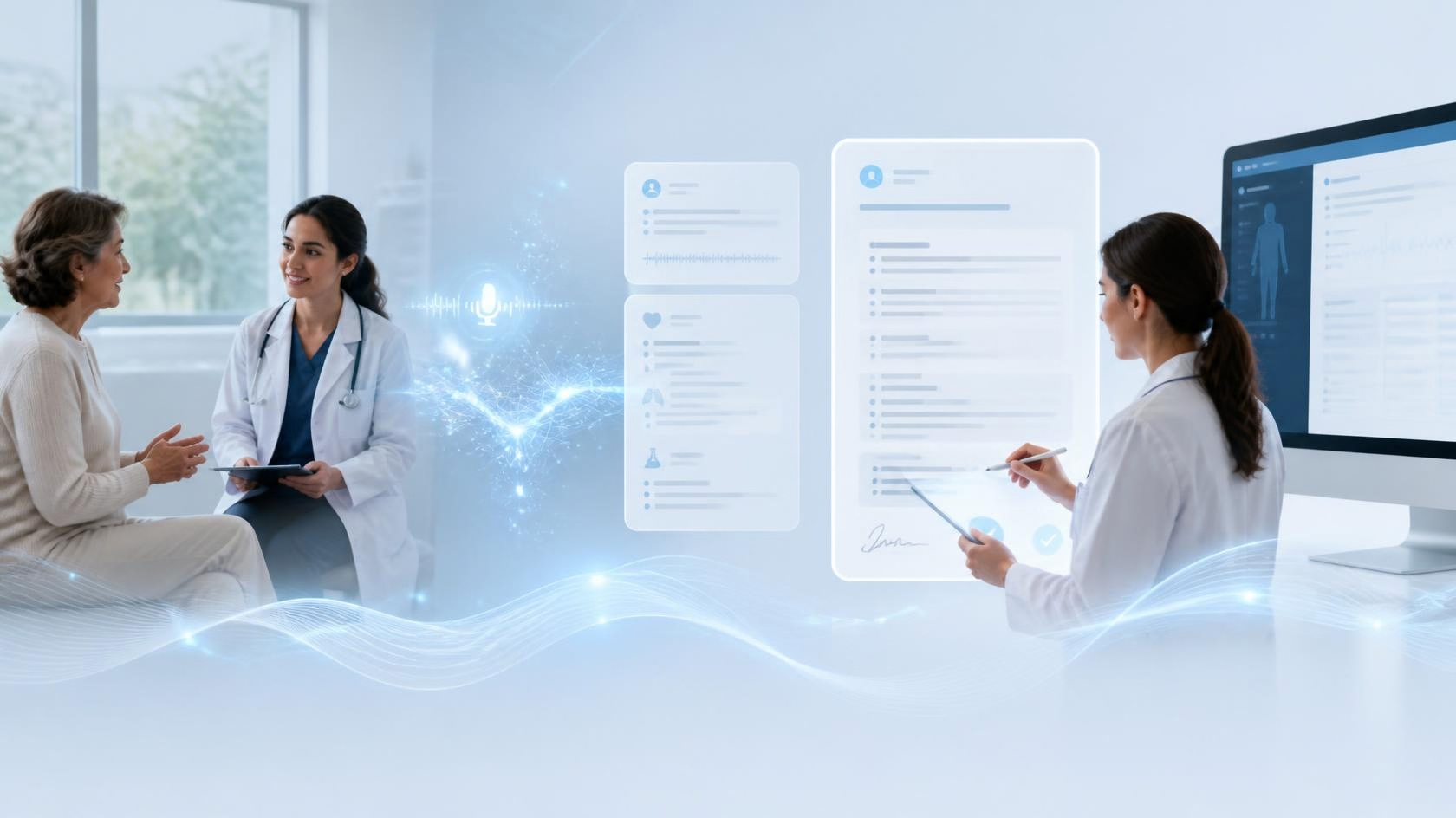
Structured Note Creation and Clinical Formatting
As the visit progresses, the scribe formats the documentation according to:
- SOAP or specialty-specific templates
- Physician preferences
- Billing and coding requirements
In addition to structuring the note, the scribe supports the documentation workflow by flagging appropriate ICD-10 and CPT codes for physician review. This helps align clinical documentation with coding requirements, reducing the likelihood of undercoding, missed charges, or incomplete records.
While the physician retains full responsibility for final code selection, this layer of support improves documentation accuracy, medical coding consistency, and revenue cycle efficiency. For clinics and hospitals managing high patient volumes, even small improvements in coding accuracy can have a measurable impact on reimbursement and claim acceptance rates.
This step is where trained virtual scribes add the most operational value. Instead of producing a basic transcript, they contribute to a structured, compliant, and billing-ready clinical note that fits seamlessly into the EMR system.
Immediate Post-Visit Completion
Once the patient leaves, the scribe finalizes the chart. This typically happens within minutes, depending on complexity.
At this stage, the note is:
- Organized
- Structured
- Ready for physician review
There’s no backlog building up across the day, which is a key operational shift compared to traditional workflows.
Continuous Workflow Adjustment
In the first few weeks, small adjustments are common. Physicians may refine preferences, and scribes adapt accordingly.
This ongoing calibration is what turns a basic documentation setup into a reliable, long-term workflow improvement.
Step-by-Step
Implementation Guide
Step 1 — Identify your documentation gaps
Before onboarding any service, spend a week tracking where time is actually lost. Are charts consistently completed after hours? Are certain note types taking longer than they should? Are your physicians skipping documentation steps under time pressure? Understanding your specific pain points will help you evaluate vendors and set the right expectations for your scribe team.
Step 2 — Decide between virtual scribe services and AI tools
AI transcription tools are faster to deploy and lower in cost, but they produce raw transcripts, not structured clinical notes. Virtual scribes take longer to onboard but produce chart-ready documentation. If your documentation standards are high, your patient volume is significant, or your specialty has complex charting requirements, a trained virtual scribe is usually the better fit.
Step 3 — Evaluate vendors carefully
Not all virtual scribe services operate at the same level. When assessing providers, look at scribe training standards, EMR compatibility, HIPAA compliance protocols, turnaround time guarantees, and how they handle specialty-specific documentation. Services like Chase Virtual Medical Scribe Services, for example, focus on customized onboarding and specialty alignment rather than a one-size-fits-all model worth evaluating if your practice has specific charting requirements.
Step 4 — Check EMR system compatibility
Your vendor must be able to access your EMR securely and efficiently. Whether you use Epic, Athenahealth, eClinicalWorks, or another platform, confirm that the scribe service has prior experience with your specific system. EMR navigation is a skill set a scribe unfamiliar with your platform will slow things down, not speed them up.
Step 5 — Onboarding and training
Plan for two to four weeks of structured onboarding. Your scribe will need to learn your documentation style, your preferred note structure, your specialty-specific terminology, and how you like charts formatted. Most quality services provide a dedicated scribe rather than rotating staff, which significantly accelerates this learning curve.
Step 6 — Run a pilot phase
Start with one or two physicians before rolling out practice-wide. Track note quality, turnaround time, physician satisfaction, and any EMR access issues during this phase. This is also when you will identify what needs to be adjusted in your workflow before scaling.
Step 7 — Full rollout
Once the pilot phase demonstrates consistent results, expand to additional providers. Maintain a feedback loop regular check-ins between physicians and their assigned scribe keep documentation quality high and address any drift in note accuracy over time.
Maintaining Patient Volume and Face Time While Using EMR Systems
One of the most immediate changes physicians notice after implementing a virtual scribe is where their eyes are during a visit. Without documentation demands pulling attention to the screen, clinicians can maintain eye contact, pick up on non-verbal cues, and conduct a more thorough physical examination.+
A primary care physician seeing 24 patients a day, for instance, might previously spend 6 to 8 minutes per visit typing notes while the patient waits. With a scribe handling real-time documentation, that same physician can redirect those minutes to clinical conversation or additional examination without extending visit length. Over a full day, that adds up to reclaimed clinical time and noticeably better patient interactions.
Hospitals using virtual scribes in high-volume settings like emergency departments have reported similar patterns: reduced per-patient charting time, faster throughput, and documentation that is completed before the next patient arrives rather than stacking up at end of shift.
Benefits of Virtual Medical Scribes (Realistic Assessment)
The most consistent benefit reported by clinicians is the elimination of after-hours charting. When notes are completed in real time, physicians leave the office with a cleared inbox rather than a two-hour documentation backlog.
Documentation consistency also improves. A dedicated scribe learns your documentation patterns and maintains them reliably across visits, which is particularly valuable in specialties where detailed, structured notes directly affect billing and coding accuracy.
For clinics managing multiple providers, virtual scribes offer flexibility that in-house staff cannot scalability without the overhead of physical space, benefits, or the logistical challenges of hiring and retaining in-person scribes. The same holds for hospitals and larger healthcare organizations where staffing consistency is a persistent challenge.
Challenges and Limitations to Plan For
Implementation is not without friction. The onboarding period is real expect a learning curve of two to four weeks before documentation quality reaches full efficiency. During that time, physicians may need to invest more review time than usual to correct stylistic gaps and reinforce preferences.
Technology dependency is a genuine operational consideration. Audio dropouts, connectivity issues, or EMR access problems can disrupt a visit without warning. Having a clear contingency plan whether that is a brief note-to-self for later completion or a backup documentation protocol prevents these moments from becoming major disruptions.
Data privacy and compliance also require careful attention. Any service accessing patient encounters must operate under a signed Business Associate Agreement (BAA) and maintain HIPAA-compliant infrastructure. Verify this before signing any contract, not after.
.
Conclusion
Implementing a virtual medical scribe is not a quick fix, but it is a proven operational upgrade for practices willing to invest in proper onboarding. When done correctly with the right vendor, a structured pilot phase, and a dedicated scribe aligned to your documentation style the result is a significant reduction in after-hours charting, better note quality, and more focused patient interactions.
The practices that see the strongest results treat implementation as a workflow redesign, not just a new tool. If documentation burden is genuinely affecting your clinical output and your team's wellbeing, a virtual medical scribe is worth a serious evaluation.
Ready to Reduce Documentation Burden in Your Practice?
If your team is spending too much time on charts and not enough time on patients, the next step is straightforward. Explore how virtual scribe services can be customized to your specialty, your EMR, and your documentation standards with onboarding structured around how your practice actually works, not a generic template.
Reach out to learn more about getting started with a pilot. No long-term commitment required, just a clear look at what is possible for your practice.
Optional
FAQ
How does a virtual medical scribe work inside our EMR system?
A virtual medical scribe securely accesses your EMR system during patient visits and documents encounters in real time. Notes are structured, formatted, and ready for physician review within minutes after the visit.
Is the workflow disruptive to our current clinical process?
No. Virtual scribes are integrated into your existing workflow. After a short onboarding period, documentation runs in parallel with patient visits without interrupting physician–patient interaction.
How long does it take to implement a virtual medical scribe?
Most clinics and hospitals complete onboarding within 2–4 weeks, including training, EMR access setup, and workflow alignment.
Will virtual scribes work with our existing EMR system?
Yes. Most virtual scribe services are experienced with major EMR systems like Epic, Athenahealth, and eClinicalWorks, ensuring smooth integration and minimal disruption.
Is patient data secure with a virtual medical scribe?
Yes. Reputable providers operate under HIPAA-compliant systems and sign Business Associate Agreements (BAA) to ensure patient data privacy and security.
Can we maintain patient volume while using a virtual medical scribe?
Yes. In many cases, clinics maintain or even improve patient throughput since physicians spend less time on documentation and more time on clinical care.
Do virtual medical scribes help with medical coding?
Yes. Virtual scribes can flag relevant ICD-10 and CPT codes for physician review, helping improve coding accuracy and reduce missed billing opportunities, while physicians retain final responsibility.
What happens if there are technical issues during a session?
Most providers have contingency workflows in place. In case of connectivity issues, physicians can continue the visit and complete documentation with minimal disruption.
Recent Posts